Action plan
Make the next step concrete with an owner and deadline. Add objectives and key results when you want to track the difference your actions make.
Owners & goals in placeFor people leading a group through an important question
When the question matters, the knowledge rarely sits with one person. The challenge is to surface it before the fastest voices set the direction.
TeamingUp lets everyone think first, then share and build a well-grounded shared basis for decision-making. You make clear who decides and how — then turn the material into a plan for the next steps.
Already invited? Log in or create an accountStart costs SEK 0 · participants join through a link · guided facilitation included.
Teamwork in the room
Understand the contributions before taking a position.
All the way to done
Keep the material after the meeting. With Pro, develop the analysis, edit reports and bring responsibilities, next steps and follow-up together in a plan.
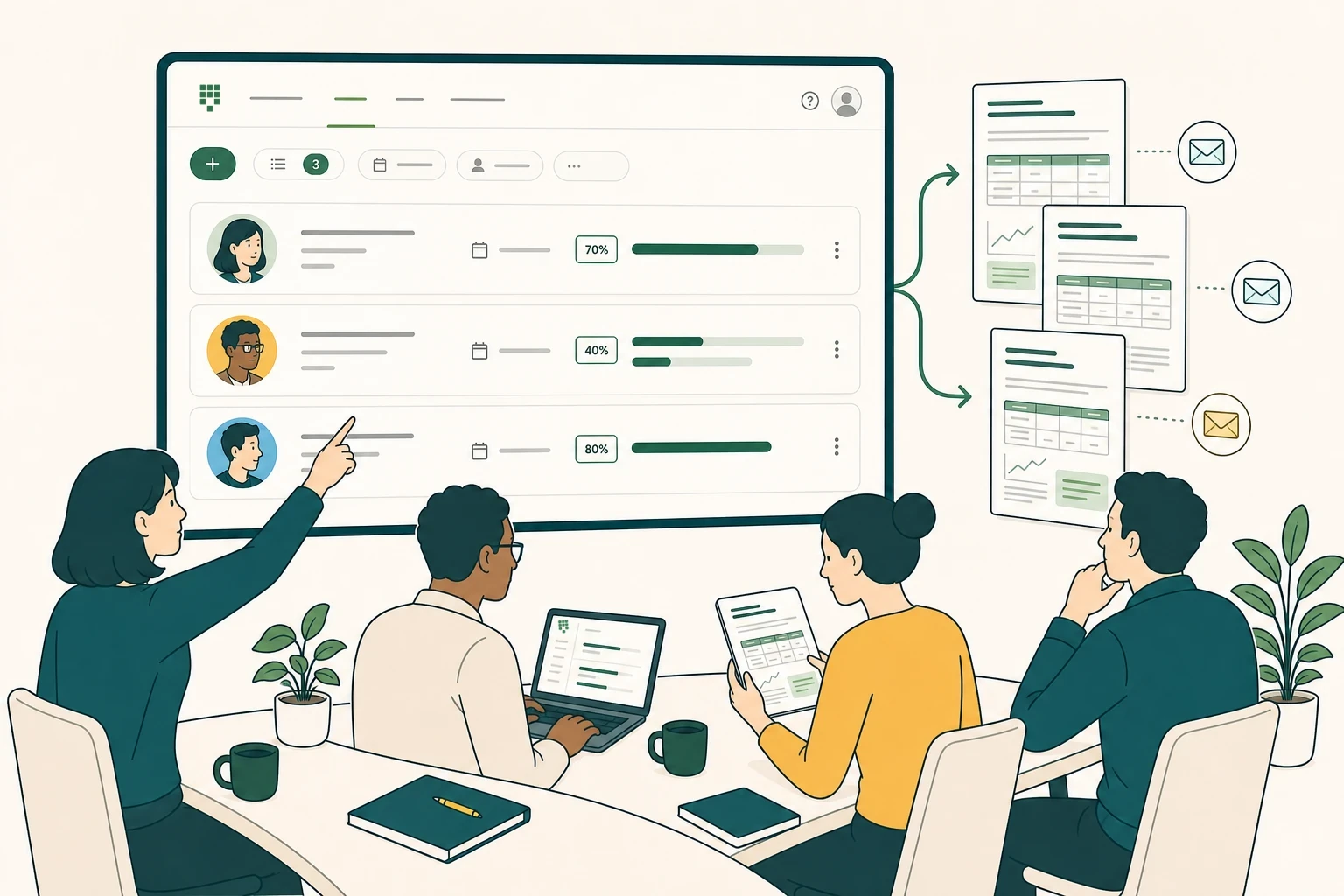
Make the next step concrete with an owner and deadline. Add objectives and key results when you want to track the difference your actions make.
Owners & goals in placeBring analysis and decisions together in editable reports. Choose the template, export format, reports and recipients when you share.
Edit · export · shareFollow the reported status of actions. Opt into scheduled AI updates and receive reminder drafts to review before sending.
Status and next stepsWhen the group needs to move forward
Put the group's combined knowledge to work on problems that need solving and opportunities that need developing.
Realistic example
Meet three participants and yourself as decision-maker. Two clearly labelled AI perspectives contribute separately. See the contributions become a shared decision basis — without an account or a wait.
Pricing
Start lets you lead three active Teamwork for free. Choose Pro for recurring Teamwork, Solo, workspaces, AI support, exports and follow-up. Organization brings seats, capacity and costs together in one account.
Create and lead up to three active Teamwork for free.
0 SEK
For people who lead and own their Teamwork.
SEK 299 /month
Choose the scope based on facilitators, shared capacity, and contributing participants.
From SEK 1,499 /month
| Step | Seats | From/month |
|---|---|---|
| S | 5 | SEK 1,499 |
| M | 10 | SEK 2,990 |
| L | 25 | SEK 6,900 |
| XL | 50 | SEK 12,900 |
Pay yearly and save 17% — see all options How AI capacity works
Teamwork in the room
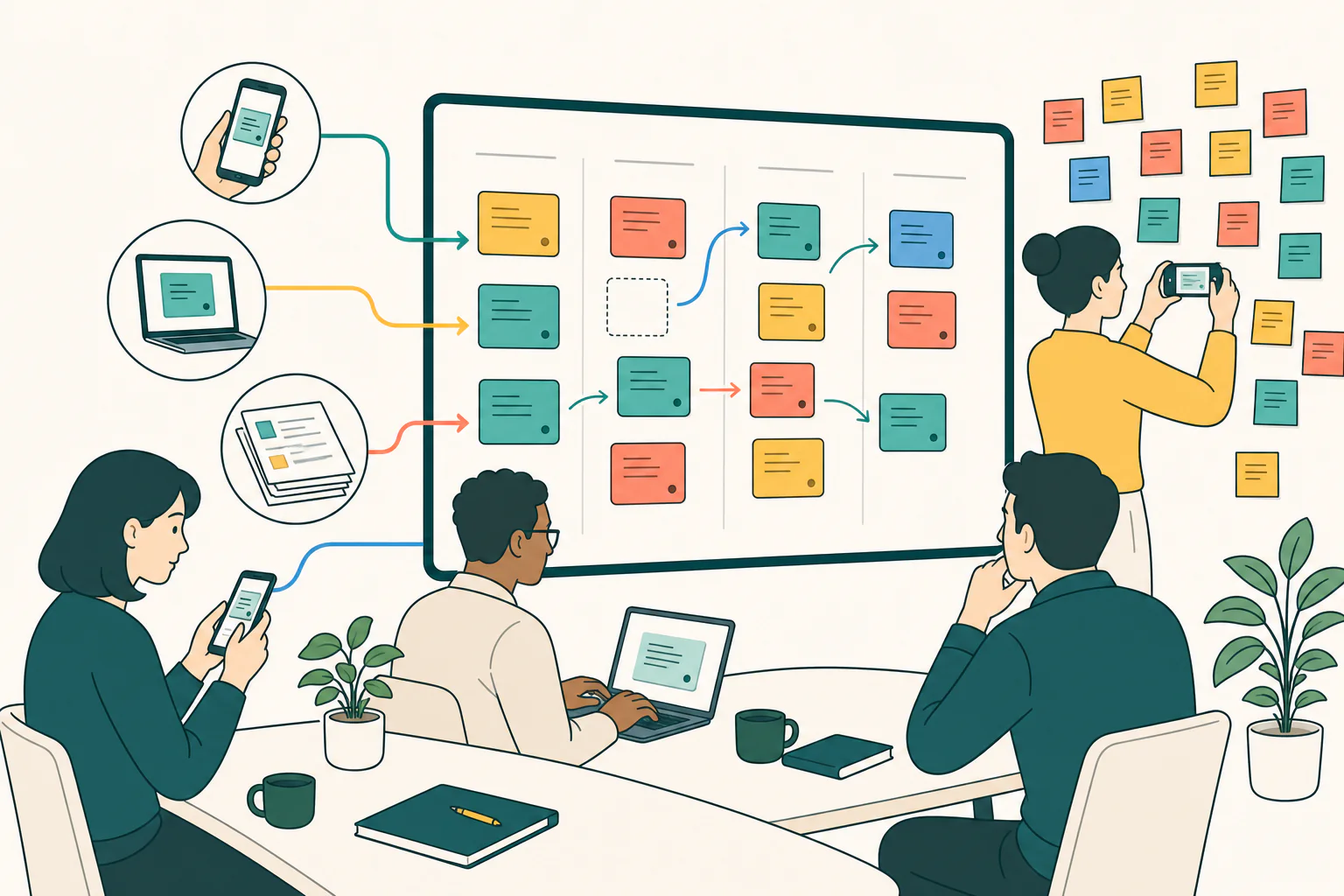
Write on a phone or computer, or bring in photographed notes. The note round helps the group understand the content before organising and assessing it. Work in small groups and compare several voting questions when useful.
Each person captures their own notes on a phone, tablet or computer before the group influences one another.
Photograph notes and use AI to read the text. Review the notes before using them as material for the group’s work.
Give participants the right material and let selected AI features use only the documents they are allowed to read.
How it works
The process makes distributed knowledge visible and useful to the group without forcing different perspectives into agreement.
Browse the meeting templatesEveryone thinks and writes independently. You choose which contributions to share; personal originals are kept separate from the shared board.
Review the contributions in a note round and organise them together. Then vote and reflect on patterns, differences and objections.
Decide according to your stated mandate, using the votes as input. Then develop the analysis, assign responsibility and plan the follow-up.
More than a well-run meeting
Think independently, make sense of the contributions together, then vote and reflect before deciding. Following up both the actions and the way you worked gives the group something concrete to learn from.
More voices are heard — everyone has space to think first. Comments can be left without names when that mode is selected.
The reasoning becomes visible — the group can understand why something is prioritised, not merely see what received the most votes.
The group learns from delivery — ownership, actions and follow-up make it possible to reflect on what actually moved the work forward.
First on your own
Then together
Support for the person leading
Guided facilitation helps you keep the steps together and see the next action. Expert gives you more controls. You decide when the group moves on and what appears on the board.
Guidance supports your judgement. You decide what the group needs in the moment.
Ask AI to summarise available material and suggest questions before the meeting. Review the content and sources before using it.
Add web research to your own material when you choose to. Source references help you check claims in the analysis.
Let AI draft a report from your material and chosen template. You review, edit and choose what to share.
An additional Pro capability
With Pro, you can work privately in Solo. Optional advisers (AI) help you test assumptions, see more perspectives and prepare a question. You prioritise and decide.
Optional AI perspectives
Whose perspective is missing — the customer, the CFO, the UX designer or a relative? Activate a clearly labelled AI perspective based on your question and source material. It writes its own notes and challenges assumptions, but never counts as a participant or decision-maker.
The voice you decide for
Tests the business case
Sees the user’s day
Sees care as it is
People participate. AI perspectives are controlled by the facilitator, shown separately and use your AI capacity.
AI perspectives and suggestions are labelled so they can be distinguished from human contributions. You review the content, test the reasoning and decide according to your mandate.
A workspace keeps members, documents and history together across several Teamwork. Roles govern who can see and do what, so the decision basis can build from one Teamwork to the next.
Owners, process leads and participants have different permissions. An invited member sees their Teamwork and the content tied to their role.
Collect documents that give participants the right background. When you choose AI support, the system can use the documents it is permitted to read as source material. You control which material belongs to each Teamwork.
Keep Teamwork, reports and decisions together so you can return to the material and follow the next steps.
Use guided facilitation for the next step or open more controls in Expert. You lead the process in both modes.
Give the meeting a clear opening and close. Work in small groups when more people need room to reason together.
Run questions in any order and separately choose which result the group should reflect on.
Compare two voting questions on separate axes and filter notes by top list or category.
Create, edit, export and send several reports — and choose which report should be published.
Participants join quickly, write and vote on mobile; the stage shows what the facilitator chooses.
Frequently asked questions
Everyone writes independently first. In the note round, you review and organise contributions, then vote and reflect. Decisions follow the mandate you have made clear, informed by the group’s assessments.
The group’s contributions, assessments and recorded decisions. Start provides a basic factual summary. With Pro you can develop analysis and reports, and add action planning, exports and follow-up.
No. The core process and method support work without AI. You choose whether AI support is enabled and review its suggestions. The group contributes experience and judgement; people make the decisions.
No. The same approach works when you want to develop an opportunity, explore alternatives, prioritise, prepare a decision or follow up delivery.
Personal originals and shared contributions are kept separate. You can return to your personal notes through your profile. Sharing a contribution does not expose the rest of your notes to the group.
Create an account and start your first Teamwork. If you received an invitation, use the same email address it was sent to. Participants can also enter a Teamwork directly through their invitation link.
Get started
Create an account to lead your first Teamwork, or log in if you already have one. Start costs SEK 0 and participants join through the link you send.